

How it works
A splash screen is the visual shown while the app is loading. Apple and Google require every app to have one, so this isn’t optional. The complicating factor is that splash screens change often: a sponsor logo gets added last minute, a color needs adjusting, …
The catch is that any visual asset baked directly into the app build (fonts, backgrounds, colors, and the splash screen itself) can only be changed by submitting a new app update. That update has to go through Apple and Google review before it reaches users, and even once approved, users only see the change after they update the app themselves. For something as change prone as a splash screen, that’s a slow and unreliable path.
This article lays out the three ways we can implement a splash screen, and what each one costs in flexibility versus consistency.
Two building blocks to understand first
Before comparing the options, it helps to know there are two different places a splash screen visual can live:
Built into the app. The visual is part of the app design and gets compiled into the app itself. It shows instantly and consistently, but changing it always requires a new app update.
Uploaded through the CMS. The visual is stored on our servers and pulled into the app after it opens. It can be changed at any time without an app update, but since the app needs a brief moment to fetch it, a fallback visual has to be built into the app for those first instants.
Each option below combines these building blocks differently.
Option 1: Flexible splash screen (recommended by Appmiral)
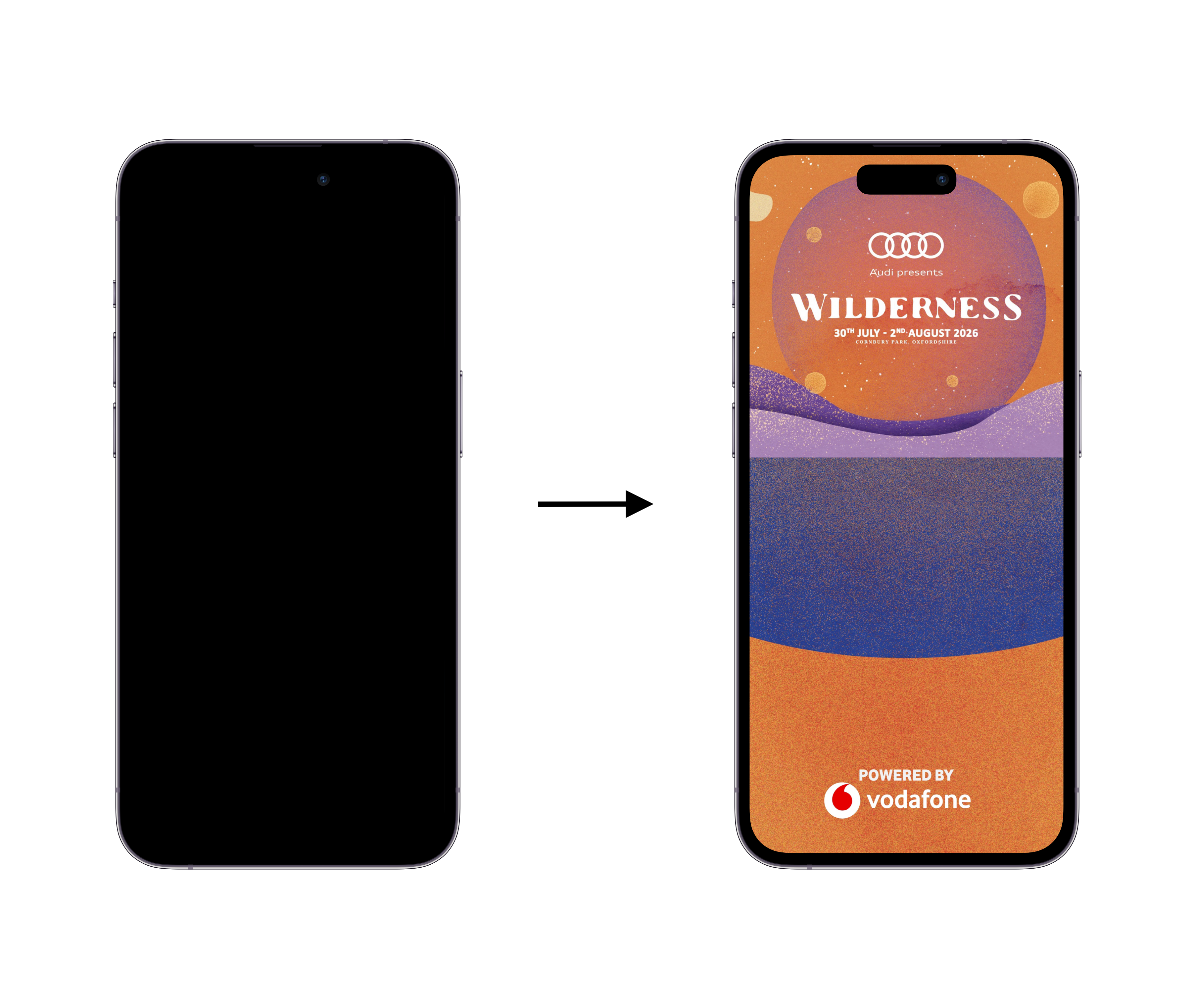
How it works: the app build contains a plain black screen. The actual splash screen visual is uploaded through the CMS and can be swapped at any time.
Good: The splash screen can be changed whenever needed (new sponsor, new visual, last minute tweak) with no app update and no approval wait. This is the main reason we recommend this option.
Bad: On the first few launches, users briefly see a plain black screen before the CMS visual loads in. It is a short flicker, but it is visible, and some clients don’t like that the first impression is a blank screen rather than branding.
Example:
Option 2: Semi-flexible splash screen
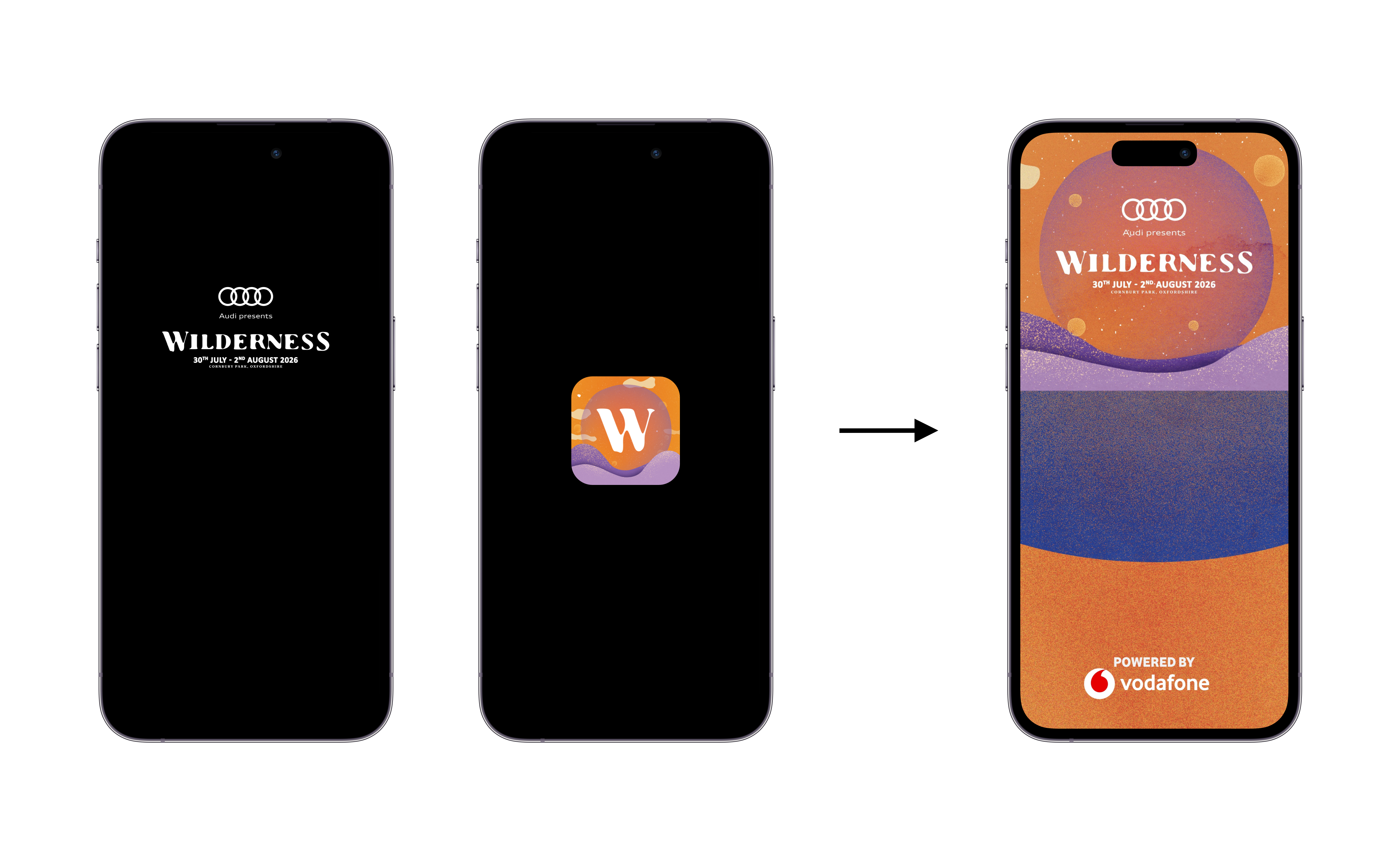
How it works: same setup as option 1, but instead of a plain black fallback, the app build includes the festival’s logo or app icon as a filler while the CMS visual loads.
Good: The brief loading moment feels more branded than a plain black screen, since users at least see the festival’s logo instead of nothing.
Bad: The fallback logo is baked into the app, so if the festival changes its logo, updating that fallback still requires a new app update and store approval. This option only removes flexibility from the splash screen visual itself, not from the fallback, so it doesn’t fully solve the update problem. It also still shows a brief switch between the fallback and the CMS visual, which can look like a visible jump if the two designs differ.
Example:
Option 3: Fixed splash screen
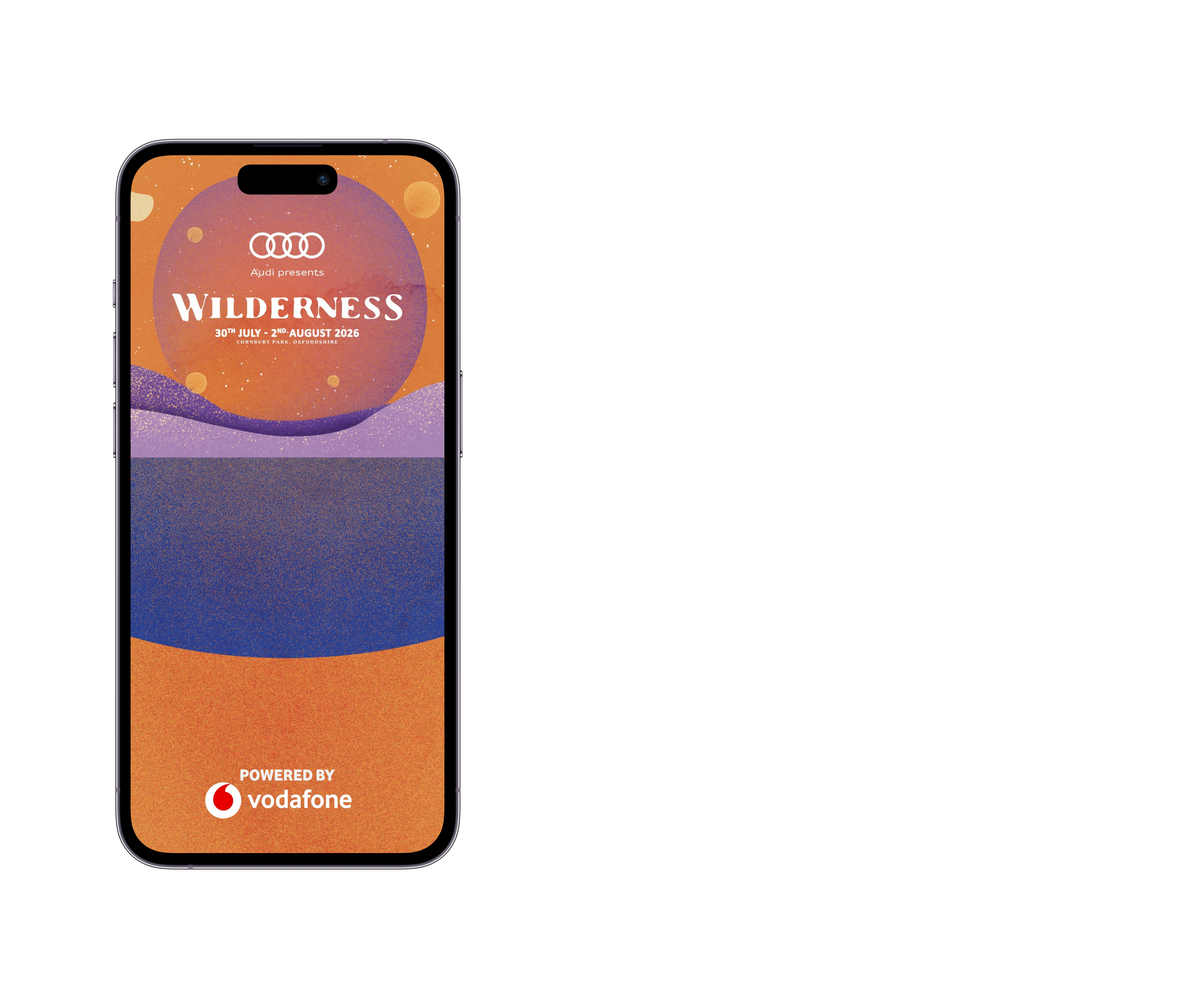
How it works: the splash screen visual itself is part of the app design, with nothing loaded from the CMS.
Good: There is no fallback and no visible switch. Users see the final splash screen from the very first frame.
Bad: This is the least flexible option. Any change to the splash screen, even a minor one, requires a new app update. That update needs Apple and Google approval, and even after it’s approved, users who haven’t updated their app will keep seeing the old splash screen indefinitely. There is no way to push a change over the air. For a visual that tends to change often, this is a real risk, not just an inconvenience.
Example:
Option 4: Video Splash Screen (Pro Tier)
As a fourth option, available only for the Pro Tier, we have the possibility to implement a video as a splash screen. This gives a short animation upon opening the application, lasting approximately a couple of seconds.
This video needs to meet certain specifications, including:
- 1500x2668px aspect ratio
- MP4 file
- Around 5 seconds
- 10 MB file size or less
Important: this video needs to be added to the application before it's submitted to Apple and Google, and cannot be adjusted without an app update.
Example:
Comparison at a glance
| Option 1: Black then splash screen via CMS | Option 2: Logo then splash screen via CMS | Option 3: Splash screen built into app | Option 4: Video Splash Screen (Pro Tier) | |
|---|---|---|---|---|
| Requires app update to change the splash screen | No | No | Yes, every time | Yes, every time |
| Requires app update to change the fallback | Not applicable | Yes | Not applicable | Not applicable |
| Visible flicker or switch on first launches | Yes, black screen | Yes, logo to visual | No | Not applicable |
| Users see the change without updating the app | Yes | Yes | No | No |
Recommendation
Appmiral advises option 1. The brief black screen on first launch is a minor, one time cost. In exchange, the splash screen can be updated instantly whenever a client needs a change, with no app update, no store review, and no risk of users being stuck on an outdated visual.