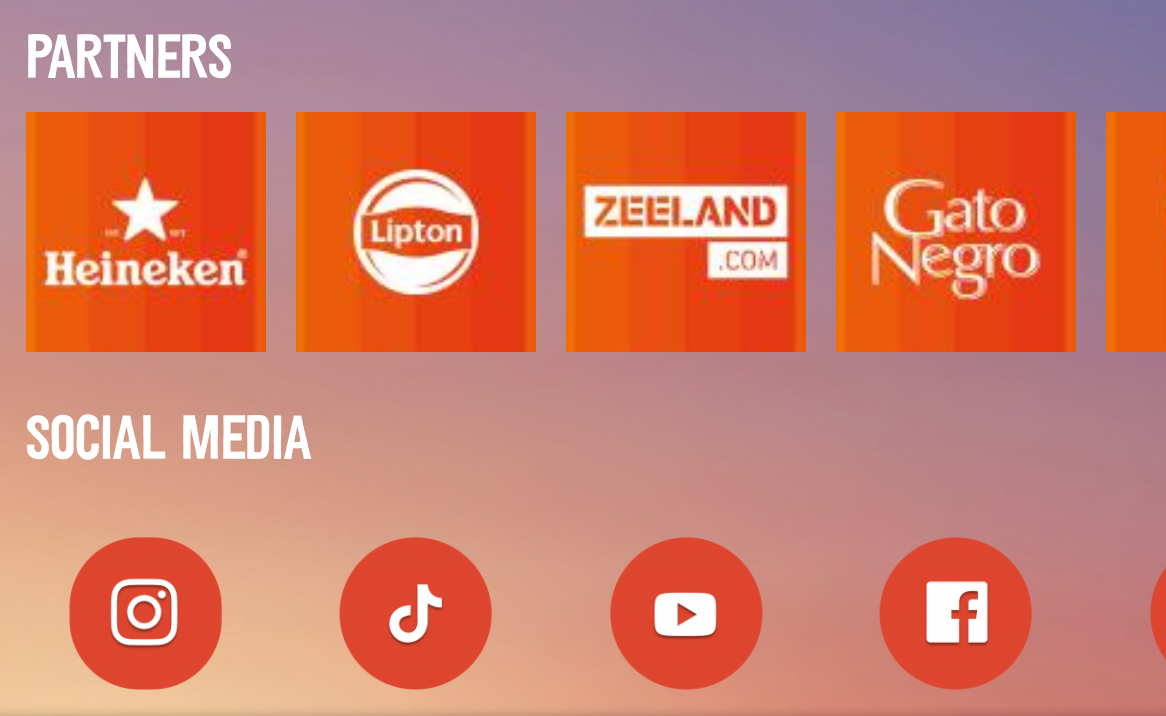

Your content or newsfeed is probably the place where your audience will spend most of the time in the app. The engagement feed is also the home screen of the app and the first thing a user sees when opening the apps. We see that over 60% of the app traffic is being generated by this functionality.
We've made this feed contextual, meaning that all the different card types will have a different priority based on the momentum in time.
How to create a new card in your app?
STEP 1 = pick your 'card type'
Each card type has its own design, specific for a type of content. Some of the cards (info and promo) can be restyled into whatever color pattern you prefer.
🔆 Info card
- a high priority before and during the event
- most versatile card of all mostly used to announce things like weather, sponsors activations, activities, general information, ...
- design is in the festival theme by default, but can be easily changed in the CMS:
- add thumbnail and detail image
- change background
- change font colors
- title and body text can be entered in the CMS
📮 Newspost card
- a high priority before and during the event
- bigger visual appearance than info cards:
- full image instead of smaller thumbnail on info cards
- the text below the image is limited to about 125 characters
- design is locked but the image can be uploaded
👀 Promo card
- new to the family
- this card is just an image, no text to be added from the CMS
- linked to whatever web or in-app content
- you design your own image/banner/button/whatever ... and upload it in the app as an image:
1. high resolution // + 1500px // rectangle looks best
🚨 Warning card
- a high priority during the event
- stands out by its red-colored text
- card design is locked and can't be restyled
- title and body text can be entered in the CMS
⏱️ Countdown card
- a high priority before the event
- card design is locked and can't be restyled
- linked to whatever web or in-app content
💎 Carousel card
- showcase cards horizontally
- most versatile card of all mostly used to announce things like sponsors activations, headliners, social media, etc
- this card is just an image, the text below the image is limited
- linked to whatever web or in-app content
Appmiral Demo app examples
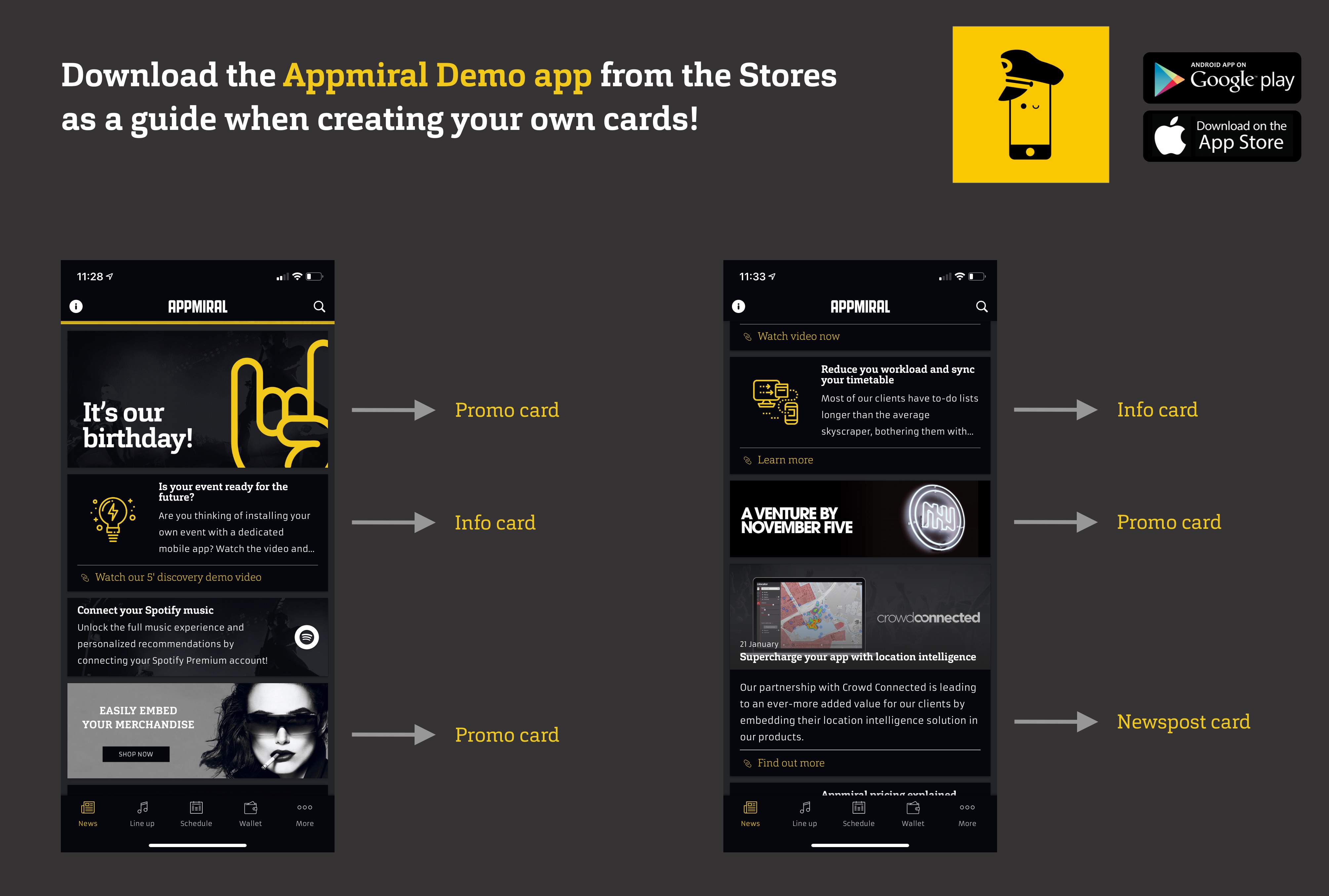
Card idea box

👇 This is an Info card (default design and image thumbnail)
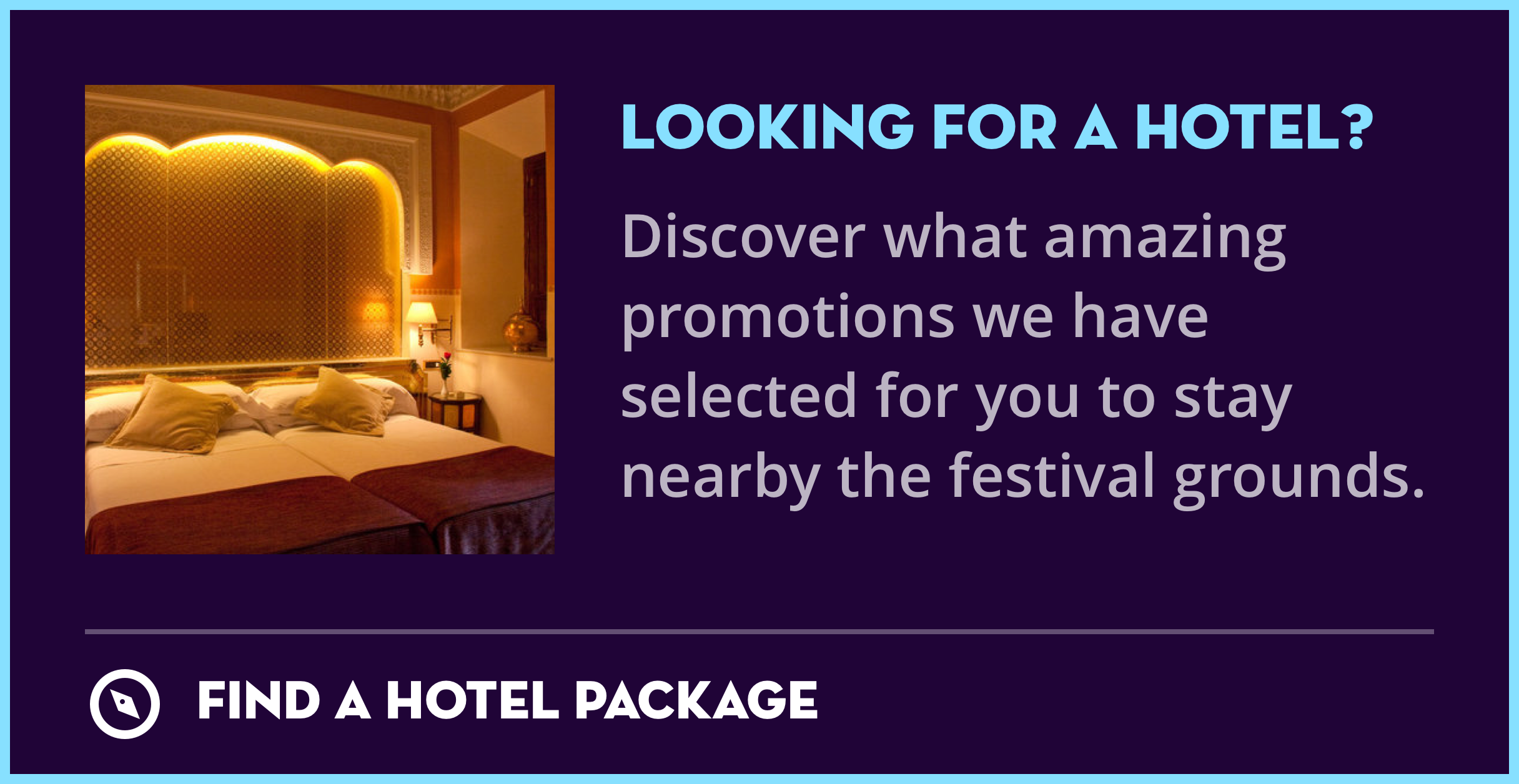
👇 This is also an Info card (with adjusted designs and PNG icon)

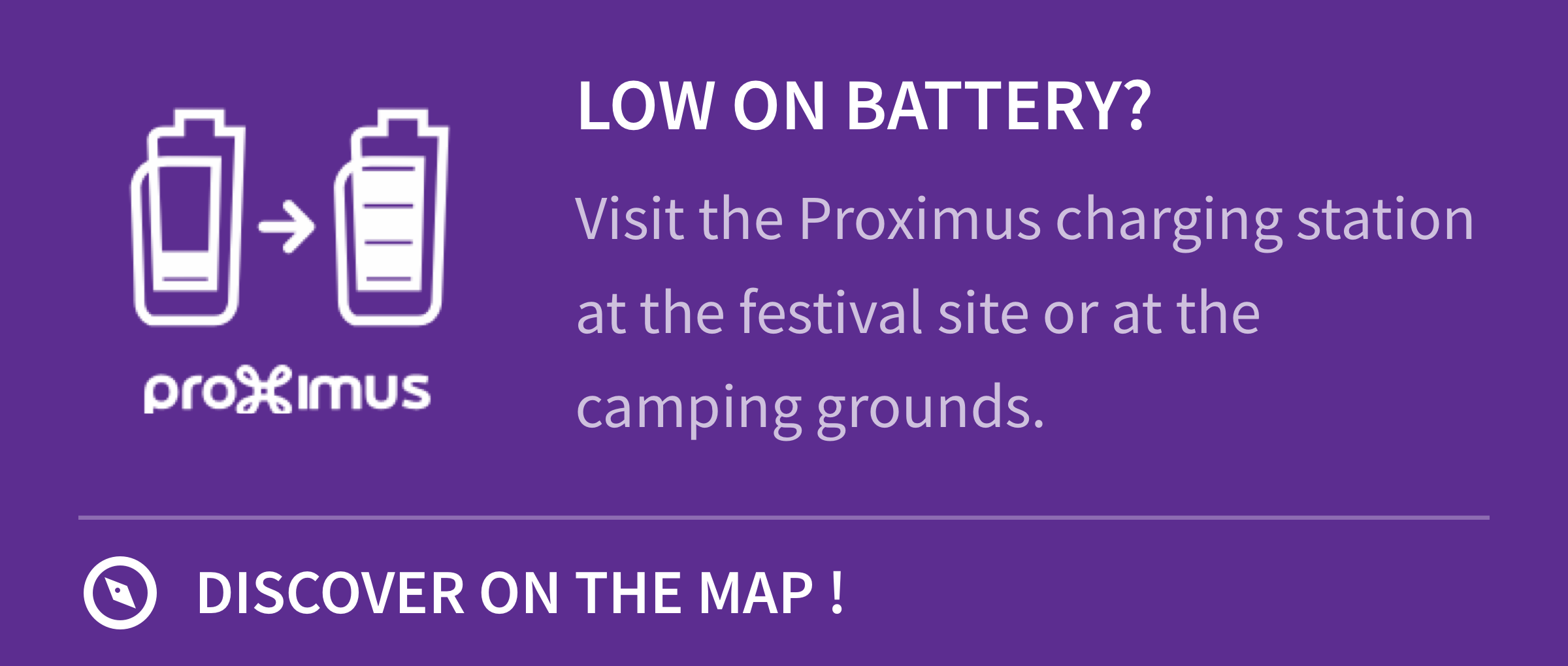
👇 This is also an Info card (with adjusted designs and PNG icon)

👇 This is a Newspost card
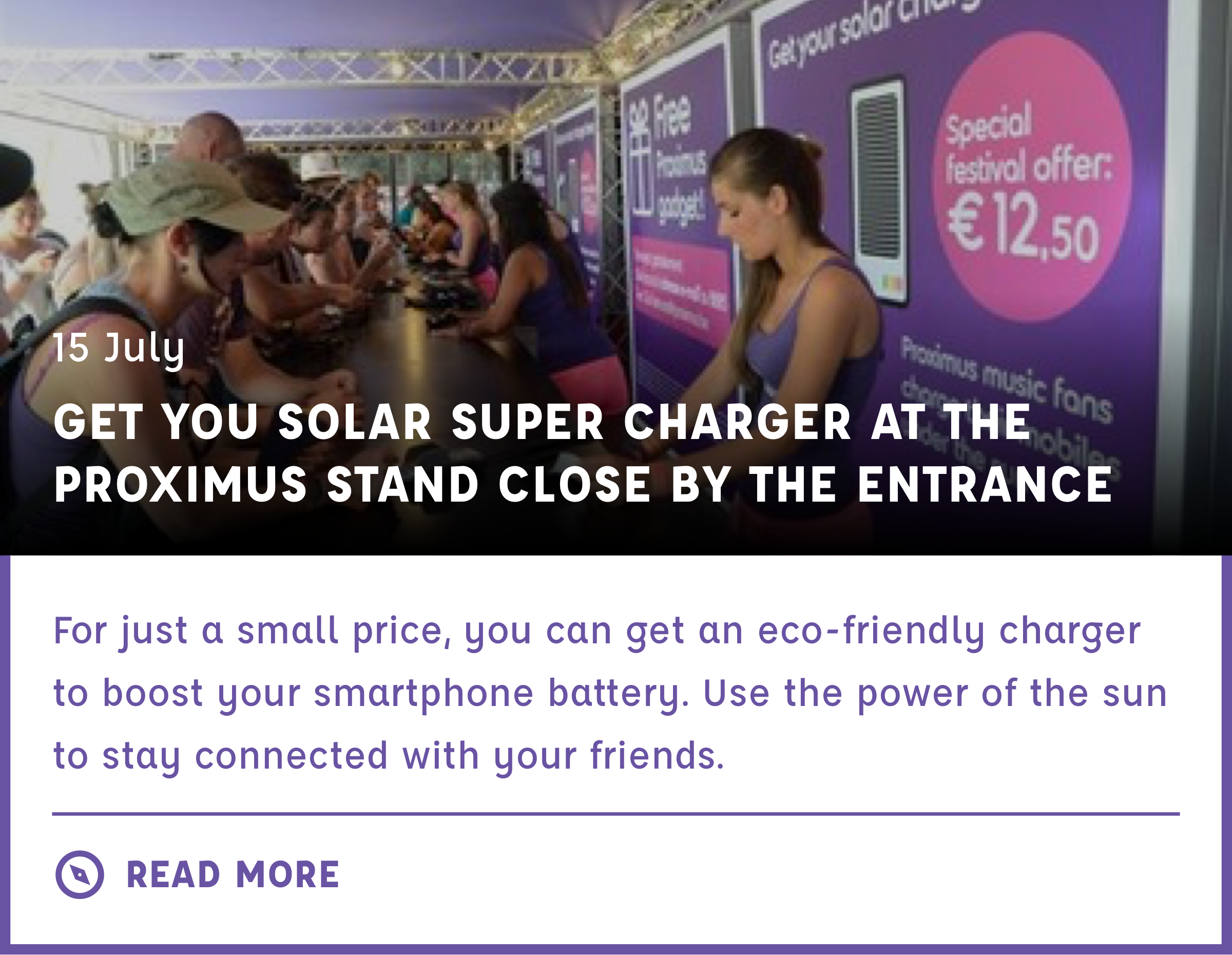
👇 This is a carousel card