
Required Region Information
- Name
- Active from date - Active until date
This determines how long the region will be active for.
- Coördinate (middle point of the region). This can be located by right-clicking the location on Google Maps
- Radius (in meters)
This determines the size of the circle around the location.
- On Entry Message (Optional)
- On Exit Message (Optional)
How to Link a Region to a Push Notification
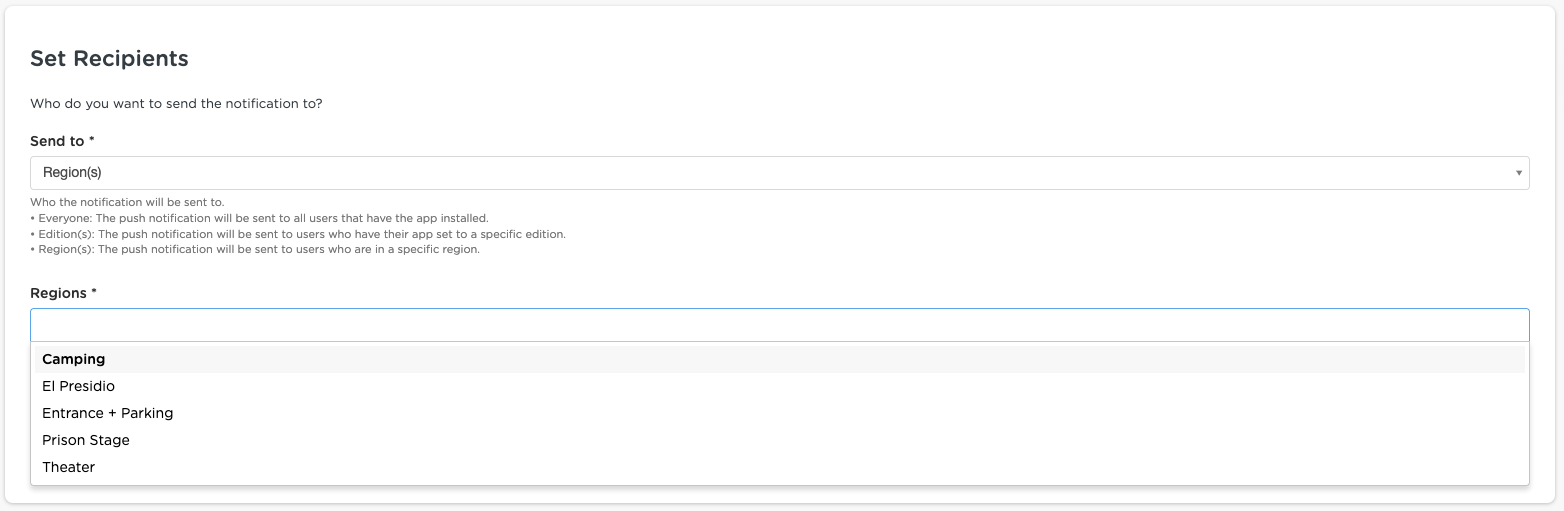
As soon as your regions have been set up, you can select it when configuring a push notification under the Set Recipients > Send to field.