

There are in total 3 different options to choose when implementing the interactive map in theapplication. Each option has its own advantages and disadvantages when setting up. Option 1: Static Map
Setup time: +/- 2 minutes
Setup
- The static map is a pre-designed map image that is being uploaded to the Appmiral CMS
- The format is JPG/PNG
- The static map is visible via a separate menu item in the application
Advantages
- The biggest advantage is that it is easy and quick to implement. When there is limited time available, this is the easiest way to go
- Clear and playful overview
Disadvantages
- Not interactive
- There is no additional POI information possible to add
Examples
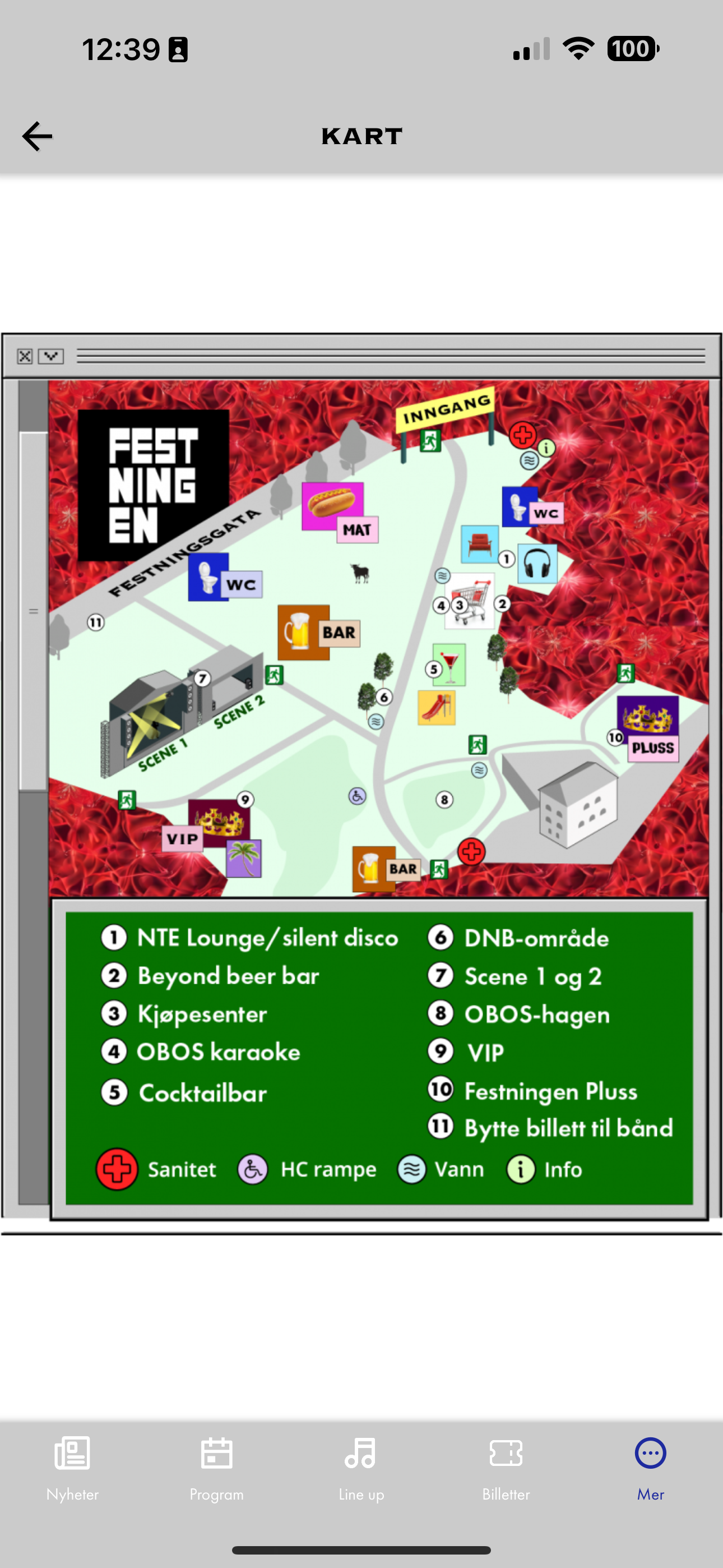
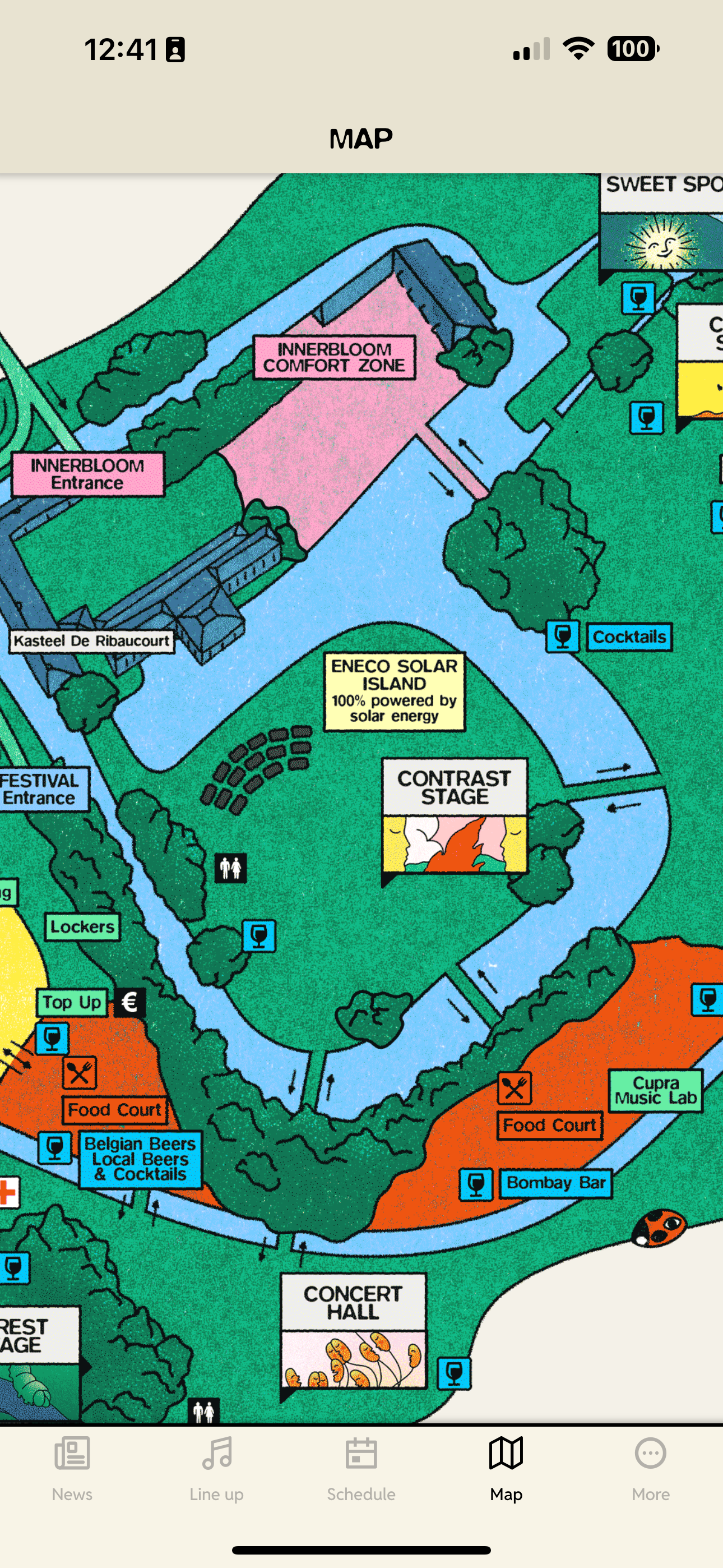
Option 2: Pins Map
Setup time: +/- 1 day
Setup
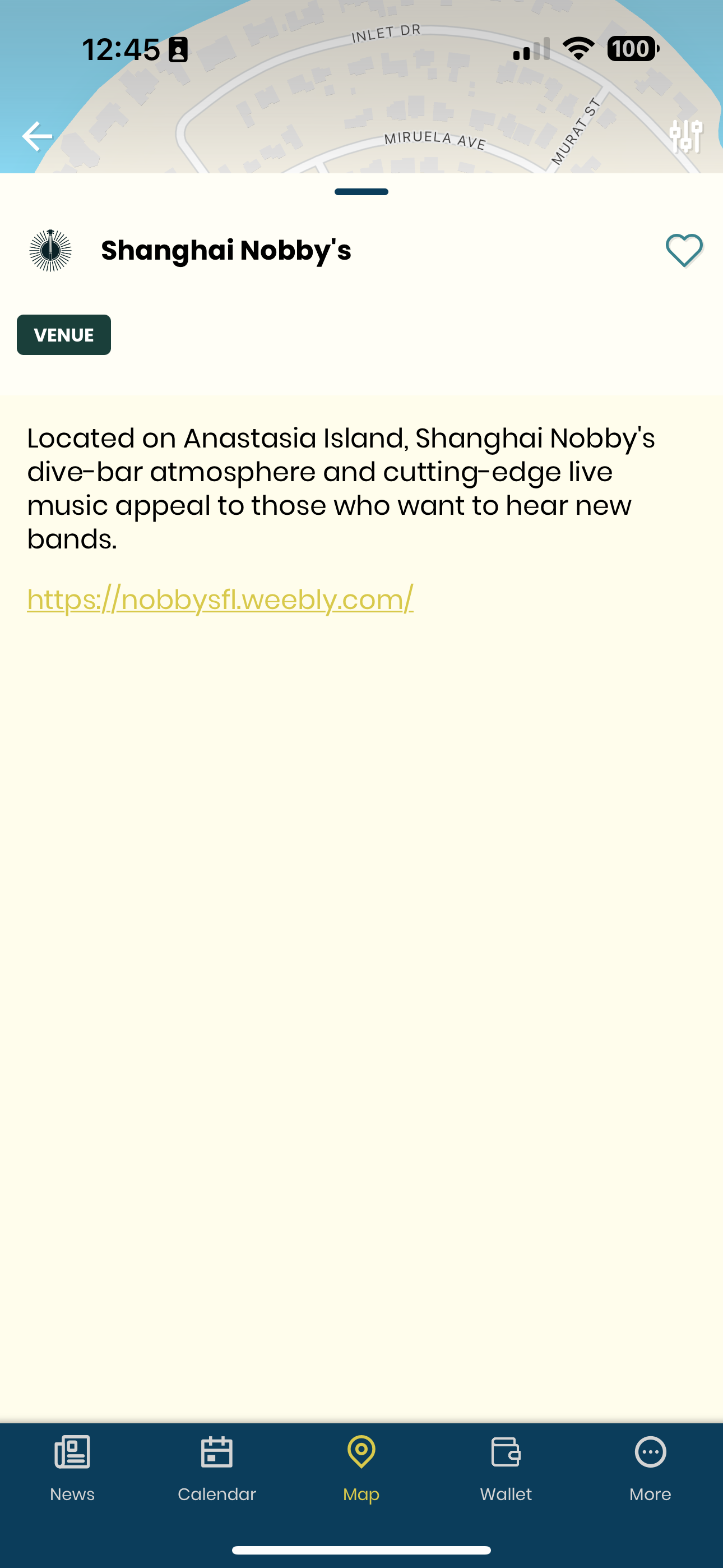
- Apple/Google Maps as a base layer with interactive POIs on top
- Required locations need to be added via a Google Sheet (created by Appmiral)
- The initial upload and configuration is done via the Appmiral team
- Adjustments to the pins map are done via the Map Editor in the CMS
Advantages
- The pins map is ideal for city events with venues all around a big area
- Google and Apple Maps are well known, so this option offers a familiar look and feel for the end user
- The implementation is straightforward
- The map is geo-accurate with the blue dot being visible
- List view filtered per category making searching for POIs easier
- Extra content can be added to POIs via the CMS
Disadvantages
- It's less visual
Examples
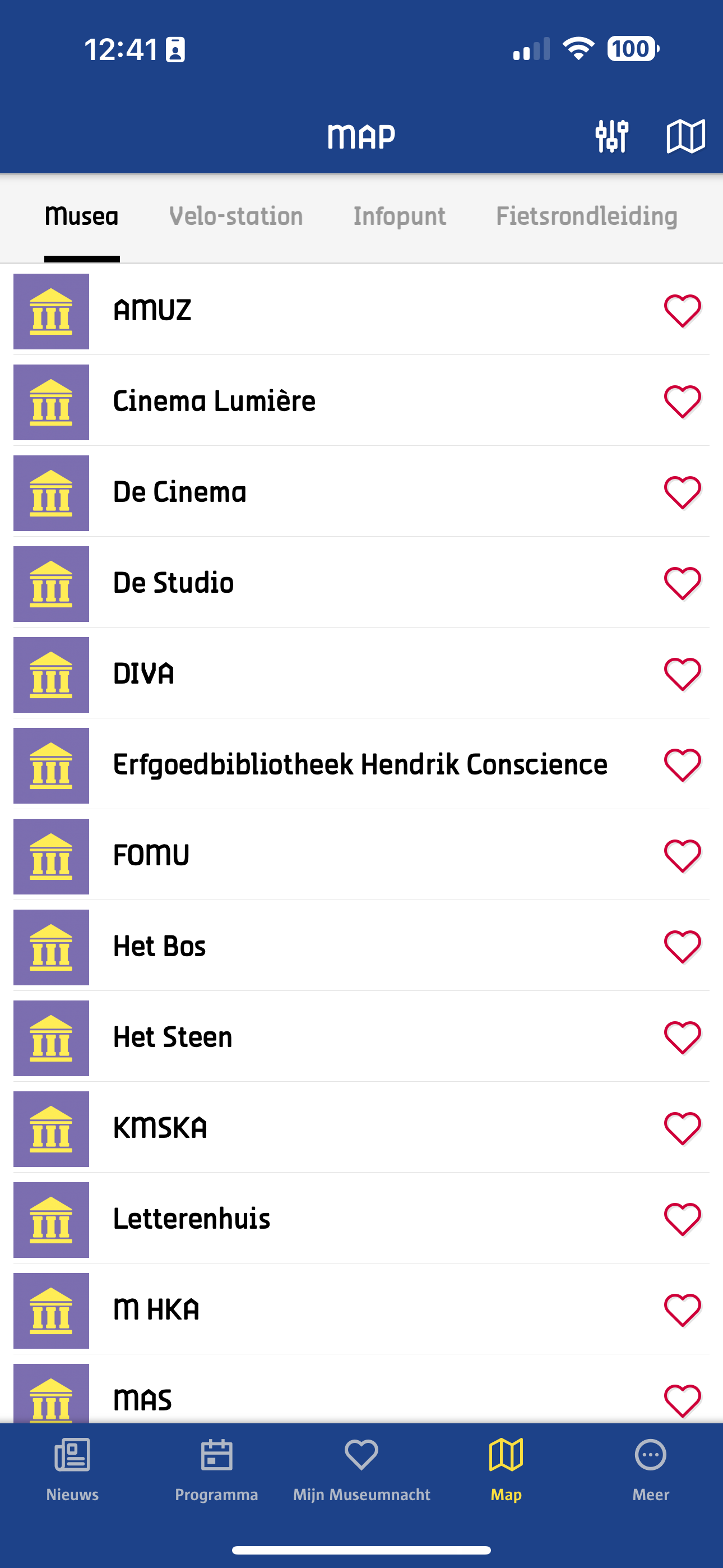
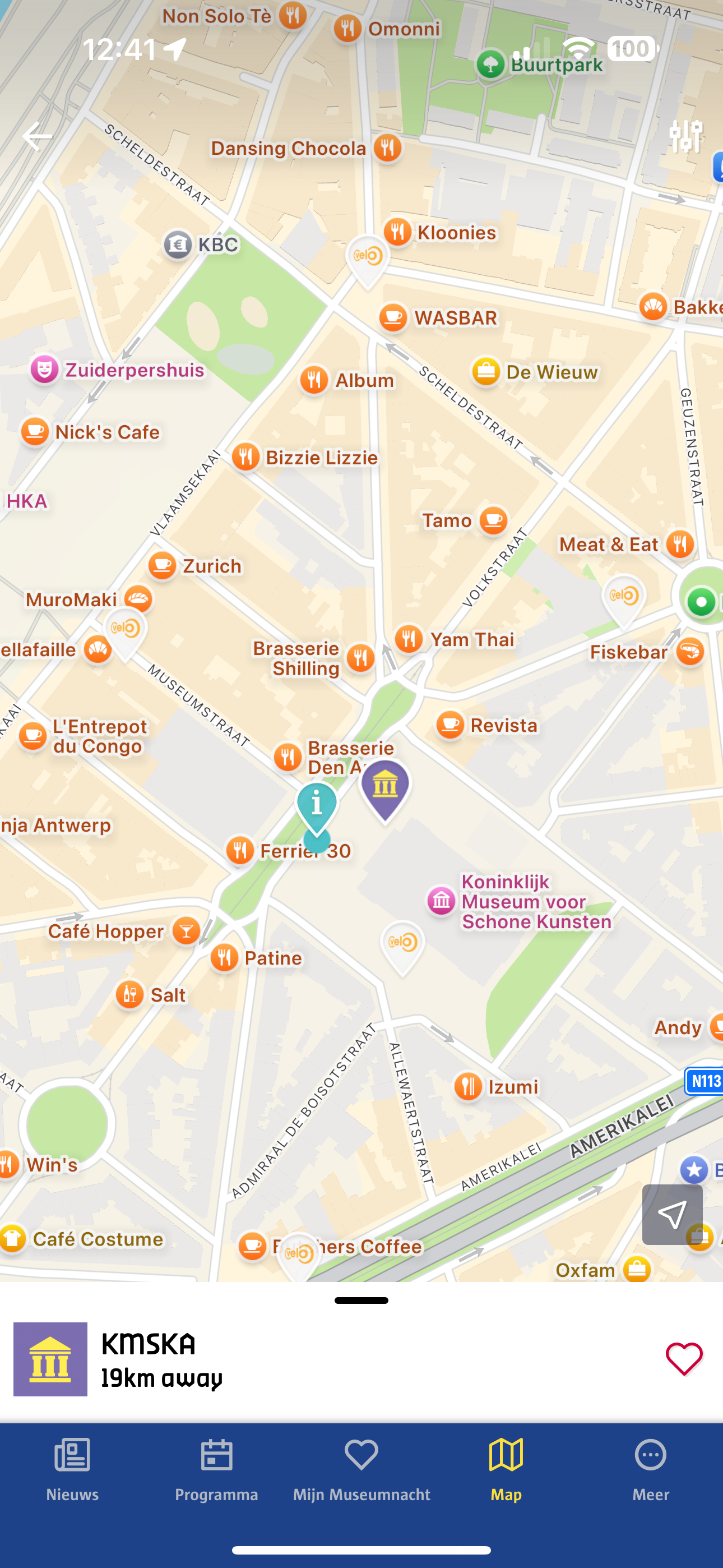
Option 3: Polygon Map
Setup time: +/- 2 day
Setup
- Requires a geo-accurate plan (e.g. AutoCAD) of the festival organizer
- The initial upload and configuration is done via the Appmiral team
- Adjustments to the polygon map are done via the Map Editor in the CMS
Advantages
- The polygon map offers a great distinction between the different categories since it is custom-created with different colors and shapes
- The map is geo-accurate with the blue dot being visible
- List view filtered per category making searching for POIs easier
- Extra content can be added to POIs via the CMS
Disadvantages
- Since it is made from scratch, it can sometimes contain a lot of icons and colors. This makes it more difficult to maintain or to quickly see the relevant polygons for the users's end
Examples
Option 4: Overlay Map
Setup time: +/- 2 day
Setup
- The overlay map is the most branded and visual map option
- Requires a geo-accurate plan (e.g. AutoCAD) of the festival organizer
- The overlay itself is created from the client's end and has to be geo-accurate
- The initial upload and configuration is done via the Appmiral team
- Further adjustments are possible via the Map Editor in the CMS
Advantages
- The overlay map offers a great distinction between different categories
- The festival branding is present on the map
- The map is geo-accurate with the blue dot being visible
- List view filtered per category making searching for POIs easier
- Extra content can be added to POIs via the CMS
Disadvantages
- A design team is needed from the client's end in order to create the overlay
Examples